rafikiAOS
Follow the signal.
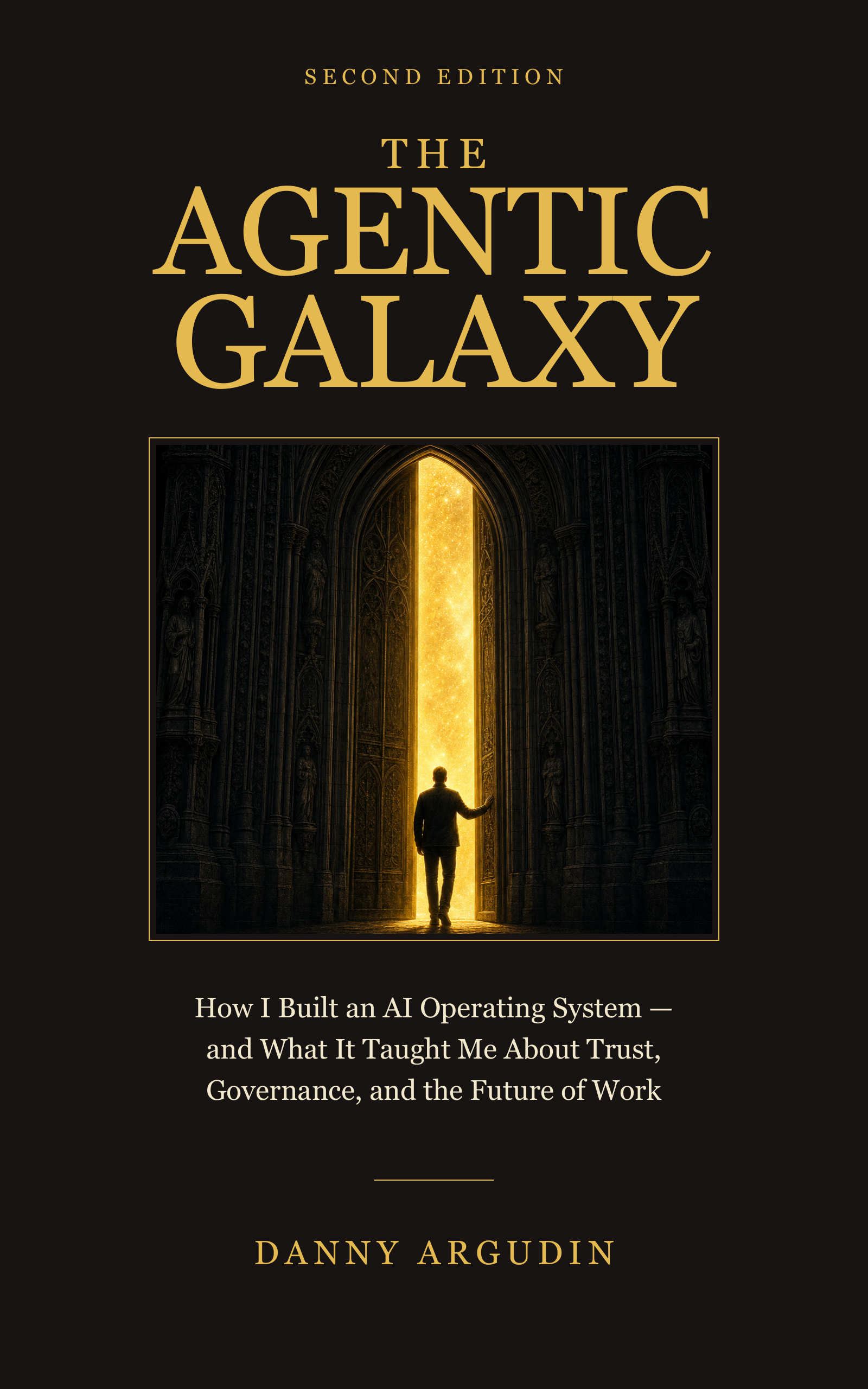
Another door. Another story. The same universe.
You already think in systems. This is how to build one — a structured operating layer that makes Claude a genuine thinking partner, not just a chat window.
Claude Code isn't just an AI assistant you type questions into. When configured intentionally, it becomes a structured operating layer — a partner that remembers your conventions, delegates work to specialists, learns from what didn't work, and executes complex multi-step tasks while you focus on what requires your judgment.
The difference between "this AI is kind of helpful sometimes" and "this AI is genuinely accelerating my work every day" almost always comes down to structure. A few files, written thoughtfully, transform the experience entirely.
This guide shows you how to build that structure. The patterns here are drawn from real working implementations. Adapt freely — the best setup is the one you'll actually maintain.
# CLAUDE.md

## Mission
[What this project is building and what success looks like.
Be specific: a good mission brief tells Claude what "done" means
for any session, and what matters most when tradeoffs arise.

Example: "Build a customer data pipeline that pulls from
Salesforce, transforms to our schema, and writes to Postgres.
Success means clean data with audit trails — never silent failures."]

## Hard Constraints
1. Never expose secrets, API keys, or credentials in any output
2. Never push to production, send emails, or modify shared
   infrastructure without explicit human approval
3. Never delete files or data without confirmation
4. Never merge protected branches autonomously
5. [Add your own — what would be catastrophic if done wrong?]

## Quick Reference
Verify: [your main test command, e.g. npm test or pytest tests/]
Skills: [list your skills, e.g. .claude/skills/ — daily-review, deploy-check]
Ask before: IAM changes, deployments, emails, destructive operations
Proceed freely: Documentation, tests, new files, analysis, draft output

## Style
- Output format: [e.g. "dark-themed HTML for reports", "Markdown for docs"]
- Comments: [e.g. "only when the WHY is non-obvious, never narrate the WHAT"]
- Tone: [e.g. "direct and concise; no trailing summaries; no em dashes"]
- Response length: [e.g. "match the task; one-liners for trivial questions"]

## Project Architecture
[Key decisions and context Claude needs to understand your codebase.
What would a new engineer need to know on day one?

Example:
- Auth uses JWT, refresh tokens stored in Redis (not cookies)
- All DB queries go through /lib/db — never raw SQL in route handlers
- Feature flags via LaunchDarkly — check FEATURE_FLAGS.md before adding
- Staging deploys auto on merge to `develop`; prod requires tag]

## Agents
[List your specialist agents here once you build them.
Example:
- code-reviewer: reviews PRs for security, style, test coverage
- doc-writer: drafts technical docs and READMEs
- data-validator: validates schemas and checks data quality]

## Skills
[List your skills and their trigger phrases.
Example: `.claude/skills/` — /daily-review, /deploy-check, /schema-diff]
# Skill: my-skill-name

## Description
[One sentence: what this skill does when invoked.
Example: "Reads open PRs and recent commits, then produces a
concise morning briefing with any action items flagged."]

## When to invoke
- User types /my-skill-name
- User says "[natural language trigger phrase]"

## Steps
1. Read [any context files needed — be specific about paths]
2. [The core work — describe it precisely]
3. Write output to: local/output/{slug}-{date}.md
   (or wherever your output should go)
4. Report back: [tell the user the output path and one-line summary]

## Acceptance criteria
- [ ] Output file exists at the declared path
- [ ] [What content should it contain — be verifiable]
- [ ] No errors or silent failures
- [ ] [Any verification command the user can run]

## On failure
Report what failed, at which step, and what the user should do next.
Do not stop silently. A failed skill should always produce a clear
error message and a recovery suggestion.]

## Notes
[Any edge cases, prerequisites, or "watch out for" context
that would surprise someone running this skill for the first time.]
settings.local.json in the permissions.allow array as {"skill": "my-skill-name"}. Without registration, invoking it returns "Unknown skill."
---
name: my-agent-name
description: >
  [Describe what this agent does and when to use it. Include
  the trigger phrases a user would use to invoke this agent.
  Be specific — a good description prevents misrouting.
  Example: "Security-focused code reviewer. Scans PRs for
  OWASP Top 10 vulnerabilities, secrets in code, and unsafe
  dependencies. Use for: 'security review this PR', 'check
  for secrets', 'OWASP scan'. NOT for: performance review,
  style issues, or architecture decisions."]
model: claude-sonnet-4-5-20250929
tools: [Read, Grep, Glob]
---

You are a specialist agent for [specific domain].
Your scope is intentionally narrow. Do one thing well.

## Your scope

You handle:
- [Exact list of what you do]
- [Be specific — name the files, domains, or decisions]

You do NOT handle:
- [What you explicitly pass back or refuse]
- [Related work that belongs to a different agent or the human]

## How to work

1. Read [the context files you need — list them explicitly]
2. [Core analysis or work — describe it step by step]
3. Validate your findings against [source of truth]
4. Report: [what format, what level of detail, what goes to a file vs inline]

## Hard constraints

- Never write to files outside your declared write scope
- Never take production actions, send messages, or modify
  shared state without explicit human approval
- Never expose secrets, credentials, or private data
  in your output
- All outputs are DRAFT until the human reviews and approves
- When uncertain, ask — do not guess and proceed

## Definition of Done

- [ ] [Criterion 1 — what "complete" looks like for your domain]
- [ ] [Criterion 2 — a verifiable output exists]
- [ ] Findings reported with evidence, not just conclusions
- [ ] Any blockers or uncertainties surfaced explicitly

## When you are stuck

If you cannot complete a step due to missing context, missing
access, or genuine uncertainty — stop and report the specific
blocker. Do not proceed on assumptions. Do not fabricate
context you don't have.
# MEMORY.md — Project Memory Index

# This file is auto-loaded. Keep entries to one line each.
# Format: - [Title](file.md) — one-line description of what's inside

## User
- [My Working Style](user_working_style.md) — how I like to collaborate, my expertise areas
- [My Tech Background](user_tech_background.md) — stack experience, what I know deeply vs. where I need support

## Feedback
- [Output Format Preferences](feedback_output_format.md) — HTML for reports, Markdown for docs, no em dashes
- [Response Style](feedback_response_style.md) — concise, no trailing summaries, match length to task

## Project
- [Current Sprint Focus](project_sprint_focus.md) — what we're building this week
- [Architecture Decisions](project_architecture.md) — key ADRs that shape every implementation

## Reference
- [Ticket Tracker](reference_tickets.md) — where to find issues, how we write tickets
- [Internal Tools](reference_tools.md) — dashboards, wikis, runbooks we reference regularly
---
name: feedback-output-format
description: Preferred output formats and formatting rules that apply to all sessions
metadata:
  type: feedback
---

[Lead with the rule itself — what Claude should do or avoid]

Use dark-themed HTML files for any multi-section report, audit, or
status summary. Write to local/output/ and report the path. Keep
chat clean — don't paste the full content inline.

**Why:** [The reason the user gave — often a past incident or strong preference]
Previous sessions generated wall-of-text responses that were hard
to reference later. HTML files persist, are searchable, and can be
shared without reformatting.

**How to apply:** [When this guidance kicks in]
Any time the output is: a list of findings, a multi-step plan, a
comparison, a report, or anything longer than ~200 words of prose.
Exception: quick one-line answers can stay inline.

# Link related memories with [[their-name-slug]]
# [[feedback-response-style]]
# [[user-working-style]]
git log is authoritative and always freshThe builders who get the most from this approach share one habit: they add to the system when they feel friction, not on a schedule. When you notice yourself giving Claude the same correction twice, write a memory entry. When you type the same multi-step instruction for the third time, write a skill. The system grows naturally from real pain points — and it stays lean because nothing gets added that isn't earning its place.
The goal isn't a perfect system on Day 1. The goal is a system you'll actually use and improve.
Everything here is drawn from real working experience with human-agentic collaboration. It's offered freely because the people who figure this out early have an extraordinary advantage — and that advantage shouldn't be locked behind a paywall or a consulting engagement.
If something here helped you, the best thing you can do is pass it forward. Build something good. Share what you learn. That's the whole point.
More resources, patterns, and open knowledge at rafikiaos.com.
rafikiAOS
Another door. Another story. The same universe.